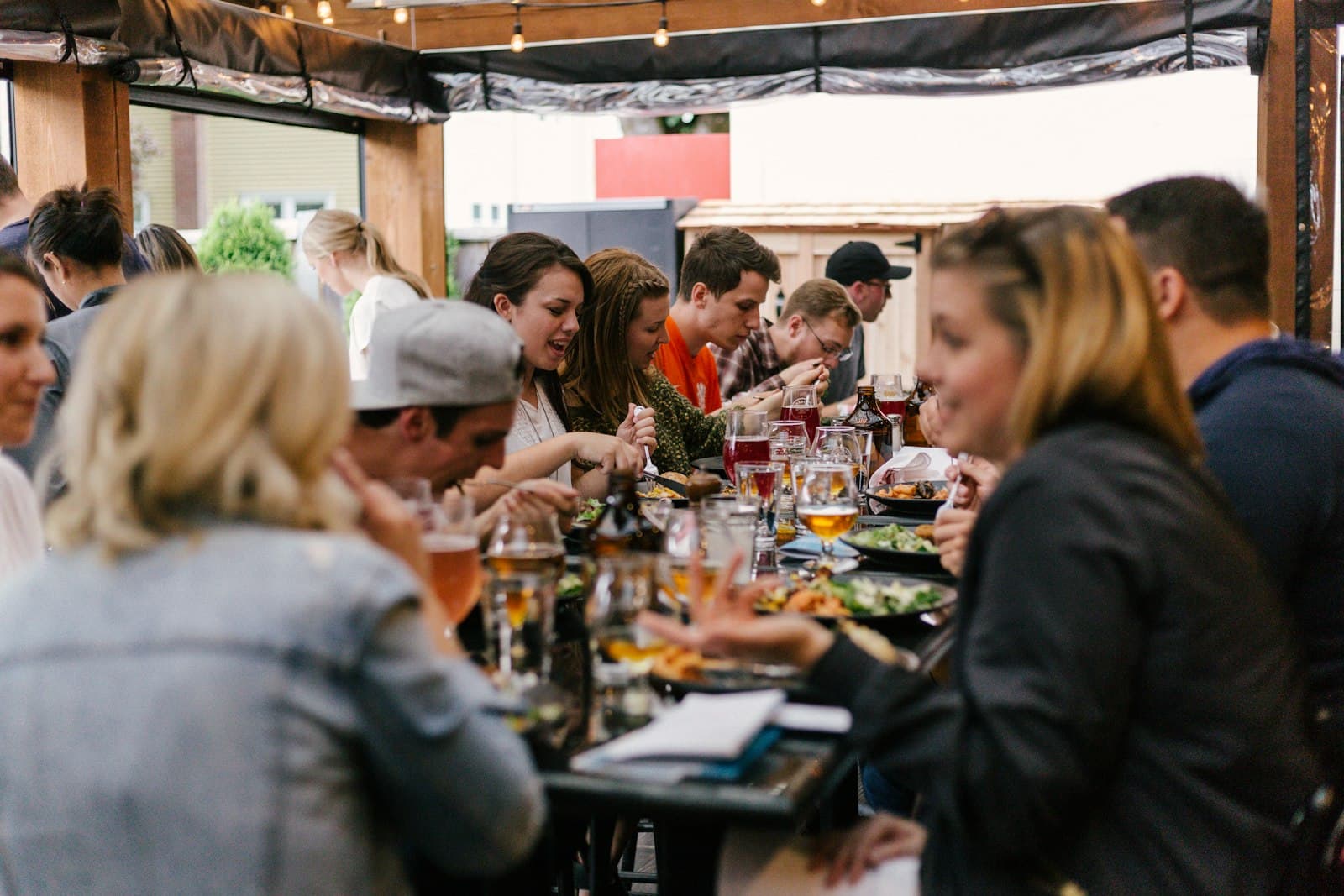
A QR menu should load fast, read clearly, and help guests decide quickly. If it feels slow or confusing, orders drop.
Keep first screen simple
Your first view should include:
- Restaurant name
- 3 to 5 top categories
- A visible search icon
- Clear "Most Popular" section
Do not force guests through long intros or popups.
Optimize load speed
Speed matters more than animation. On a busy table, guests leave slow menus quickly.
Checklist:
- Compress images
- Lazy-load long lists
- Avoid heavy scripts
- Cache menu assets
Target first content paint under 2 seconds on mobile data.
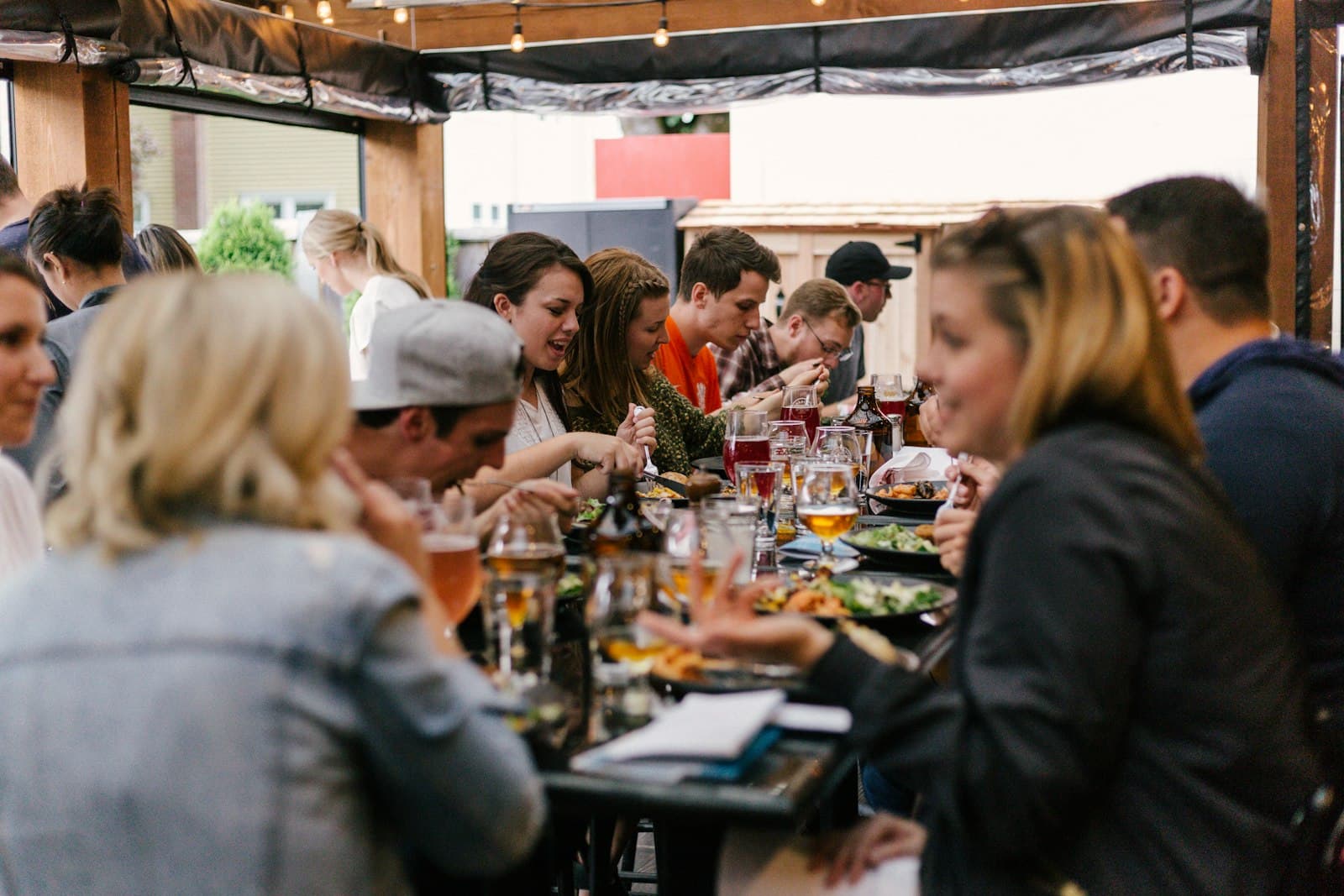
Image source: Unsplash
Improve readability
Use typography that works in hand:
- Base text: 16px+
- Clear line spacing
- High contrast colors
- Buttons with generous tap targets
Avoid dense blocks of text and tiny price labels.
Reduce steps to order
Good flow:
- Browse category
- Open item details
- Add to cart
- Checkout or request server
Every extra click reduces completion rate.
Build trust signals
Show information guests care about:
- Allergen tags
- Spice level
- Vegetarian or gluten-free markers
- Estimated prep time
Confidence reduces hesitation and increases order speed.
Final takeaway
A mobile QR menu is part UX, part operations. Keep it fast, clear, and decision-focused, and it will improve both guest experience and ticket volume.